

WhatsApp Broadcasts vs. Automations: When to Use Which
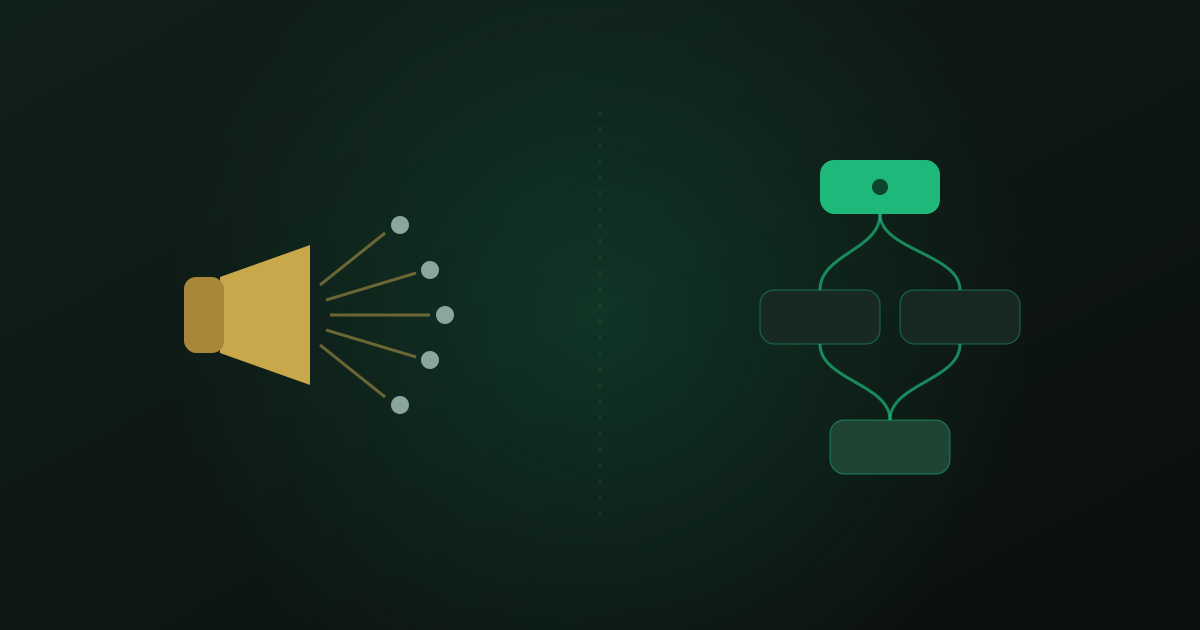
"Can we just send it to everyone?" is usually the first marketing idea on WhatsApp — and sometimes the right one. But broadcasts and automations solve different problems, and mixing them up is how businesses end up blocked, muted, or ignored. The distinction is simple: a broadcast starts with your calendar, an automation starts with your customer's behavior. Everything else follows from that — and our in-depth guide to WhatsApp business automation shows how both fit into the wider setup.
Broadcasts: one message, many people, one moment
A broadcast is a campaign: a product launch, a seasonal offer, an important announcement, sent to a chosen segment at a chosen time. It shines when the news genuinely matters to the recipients — and burns trust when it does not. On WhatsApp, an unwanted message is one tap away from a block, and blocks hurt your sender quality. Meta scores your number on how recipients react, and a damaged rating quietly throttles everything you send afterwards.
The lever that decides whether a broadcast works is segmentation. "Everyone in the address book" is not a segment. "Customers who bought winter tires last year" is. A boutique announcing a sale only to customers who purchased that brand before will see open and reply rates a generic blast never reaches — with a fraction of the blocks.
Automations: one trigger, one customer, right on time
An automation reacts to what a single customer does: a welcome when they first write, a reminder before their appointment, a nudge when they stop replying mid-purchase, a follow-up after a service. It always feels personal because it is — the timing comes from the customer's own behavior, not from your campaign calendar.
That is why automations barely generate blocks. A reminder about the appointment you booked is help; a promotion you never asked for is noise. The same channel, the same customer, a completely different reception — decided entirely by the trigger.
- Launching something new for a whole segment → broadcast.
- Reacting to one customer's booking, silence, or question → automation.
- Recurring lifecycle moments (reminders, follow-ups, re-engagement) → automation, always.
- Not sure? Ask what triggered the message. A date on your calendar means broadcast; a customer action means automation.
Automations also carry the follow-up work most teams drop. Sales conversations rarely close on the first message — a structured pipeline with stage-based automations is what keeps warm leads from going cold in the scroll. Our guide to running a sales pipeline in WhatsApp walks through exactly that setup.
The compounding rule
Broadcasts spike, automations compound. A campaign gives you one good day; a well-built automation gives you a better every day. Teams that get this order right — automations first, broadcasts as seasoning — see steadily rising revenue per contact instead of spiky, fragile bursts.
There is a practical reason for the order, too. Automations generate the data that makes broadcasts good: which customers replied, what they asked about, what they bought, when they went quiet. A team that runs automations for three months can send a broadcast to "customers interested in X who have not purchased yet" — a segment that simply does not exist in a raw contact list.
Broadcasts are megaphones. Automations are good manners at scale.
— Convelly team
The best campaigns end in a conversation
The two tools are strongest chained together. A broadcast opens the door; an automation walks through it. When a recipient replies to your launch campaign, an assistant should pick up instantly — answering questions, checking sizes or dates, and taking the order in the same thread. A campaign whose replies land in an unattended inbox wastes exactly the interest it just created.
This is where an AI assistant earns its keep: a successful broadcast can trigger hundreds of replies in an hour, far beyond what a support team can absorb. If the assistant handles the routine questions, your team only steps in where a human actually closes the deal. Our practical guide to AI customer service on WhatsApp shows how that handover works.
A simple operating rhythm
In practice, healthy WhatsApp marketing settles into a rhythm: automations run continuously in the background, broadcasts go out at most a few times per month to tight segments, and every broadcast is followed by a look at the block rate. If blocks tick up, your segment was too wide or your message too salesy — fix that before sending the next one. Handled this way, the channel keeps its superpower: being the one inbox your customers actually read.